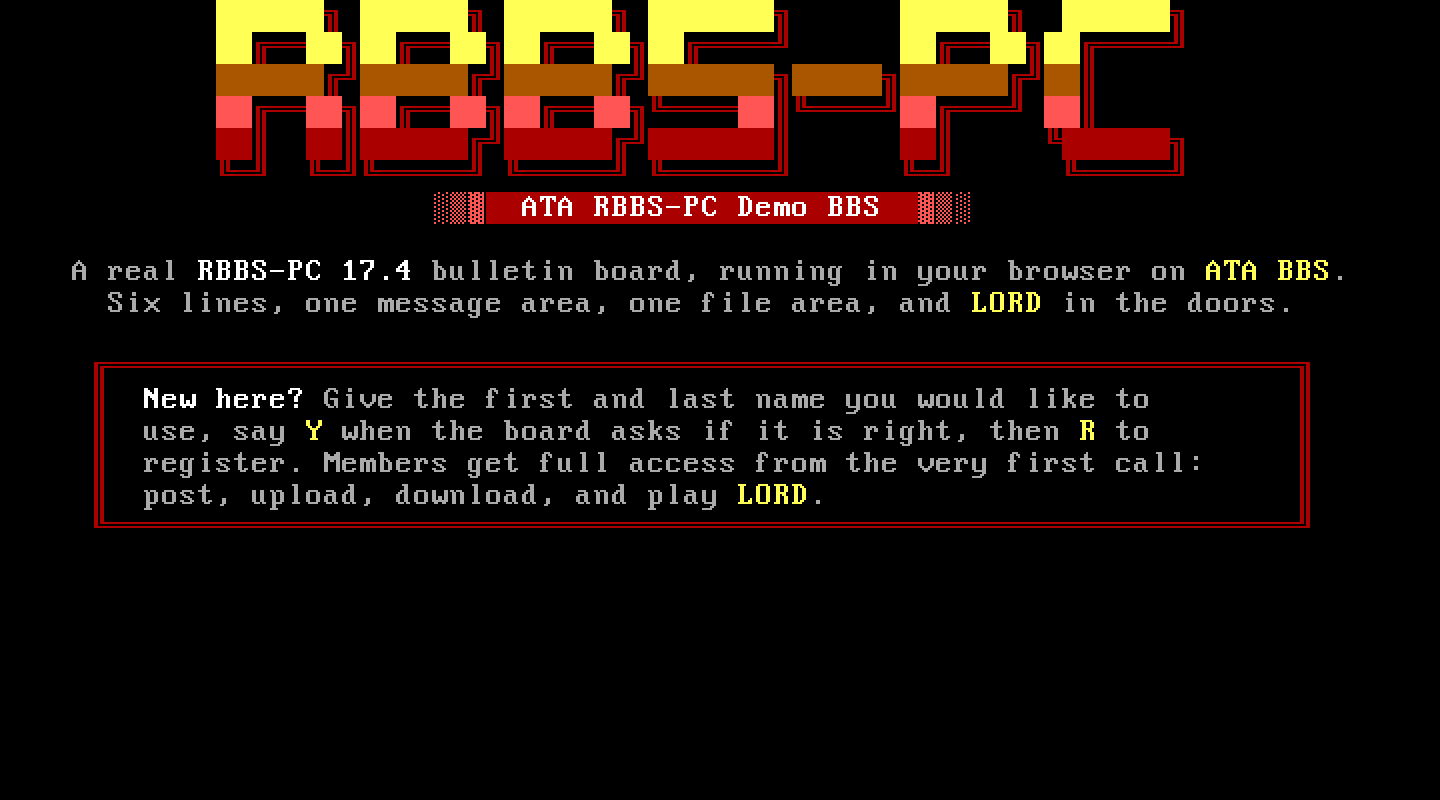
At a glance
- Package
- RBBS-PC 17.4, the Capital PC User Group's classic (Tom Mack and company)
- Lines
- Six on a fresh install, up to 36 (node ids 1 to 9, 0, then A to Z), every one set up the way RBBS asks. Proven: six, and lines 10, 11 and 36.
- Starting account
- SECRET NAME
- Callers page you with
- O at the main menu, then Y
- Console keys
- Answer: Esc (within the thirty-second ring). Break in: F10. Leave: Esc.
The board
What ATA set up. Its configuration file RBBS-PC.DEF (plain text) patched the way its CONFIG program would: the drive, COM1, the front-end handoff, and "recycle to DOS" so RBBS returns to DOS after each caller instead of waiting for the next ring; the user file seeded with the SysOp record; the message file and its node records formatted for all 36 nodes; one configuration file and one directory per node; and paging allowed all day (it shipped 08:00 to 22:00). No .BAS source file is shipped or touched, only the configuration and the seeded user file.
The DOS page. "Local logon" is the RBBS console. "CONFIG" is RBBS's own full-screen setup: PgDn and PgUp move between pages, Esc leaves a page, End saves and exits.
Making it your own. CONFIG covers the board name, the sysop's name, new-user defaults and everything else, page by page. The caller-facing screens are plain text files in RBBS\TEXT. The sysop's account is RBBS's own "secret name" convention: log on locally as SECRET NAME.
Callers. Name, then password. A name RBBS does not know is confirmed first ("Are you 'NAME'?"); a known name goes straight to the password. A new caller registers with R at "C)hange..., D)isconnect, [R]egister?", gives city and state, a password twice, and answers the graphics and protocol questions. New members start at security level 5.
Paging. RBBS rings its speaker for exactly thirty seconds; Esc answers within that half minute, after which F10 (forced chat) is the road. RBBS keeps showing PG! beside a caller who paged for the rest of their call, so a page you missed is still visible.
Files. RBBS's internal protocols move the files. Its "Y" protocol row is 1K-Xmodem, not Ymodem batch.
Things to know. RBBS returns to DOS about ten seconds after a caller's goodbye (its own delays and bookkeeping); the line closes then. Its session time is capped at 1,440 minutes by ATA's handoff, so its event timer never cuts a call short.
Legend of the Red Dragon on RBBS-PC 17.4
The steps every board shares (getting LORD, LORDCFG, the wrapper batch) are in the door guide. This is what is particular to this board.
Drop file: DORINFOD:\RBBS, each caller's own. LORDCFG: (5) RBBS16+, path d:\rbbs\, and do not choose to read DORINFO1.DEF for all nodes: RBBS writes each line's own number.
Batch: D:\RBBS\LORD.BAT:
@ECHO OFF
D:
CD \DOORS\LORD
CALL START.BAT %NODE%
CD \RBBS
The door, RBBS's way. Two text files:
D:\RBBS\SYSTEM\DOORS.DEF, one door a line. Add:"LORD",5,,D,"LORD.BAT [NODE]",N,,60That is: the door's name, the minimum security (5 admits new members), no questionnaire, exit method D (RBBS writes a batch for the line and returns to DOS; ATA's line batch runs it and starts RBBS again), the command, no password on return, no display file, and 60 minutes.
The door menus
D:\RBBS\TEXT\MENU5,MENU5CandMENU5G(plain, colour and graphics). RBBS lets a caller open only a door whose name starts a line of the door menu, as a security measure. Add a line at the end of each:LORD Legend of the Red Dragon
How callers get there. D at the main menu for Doors, then LORD.