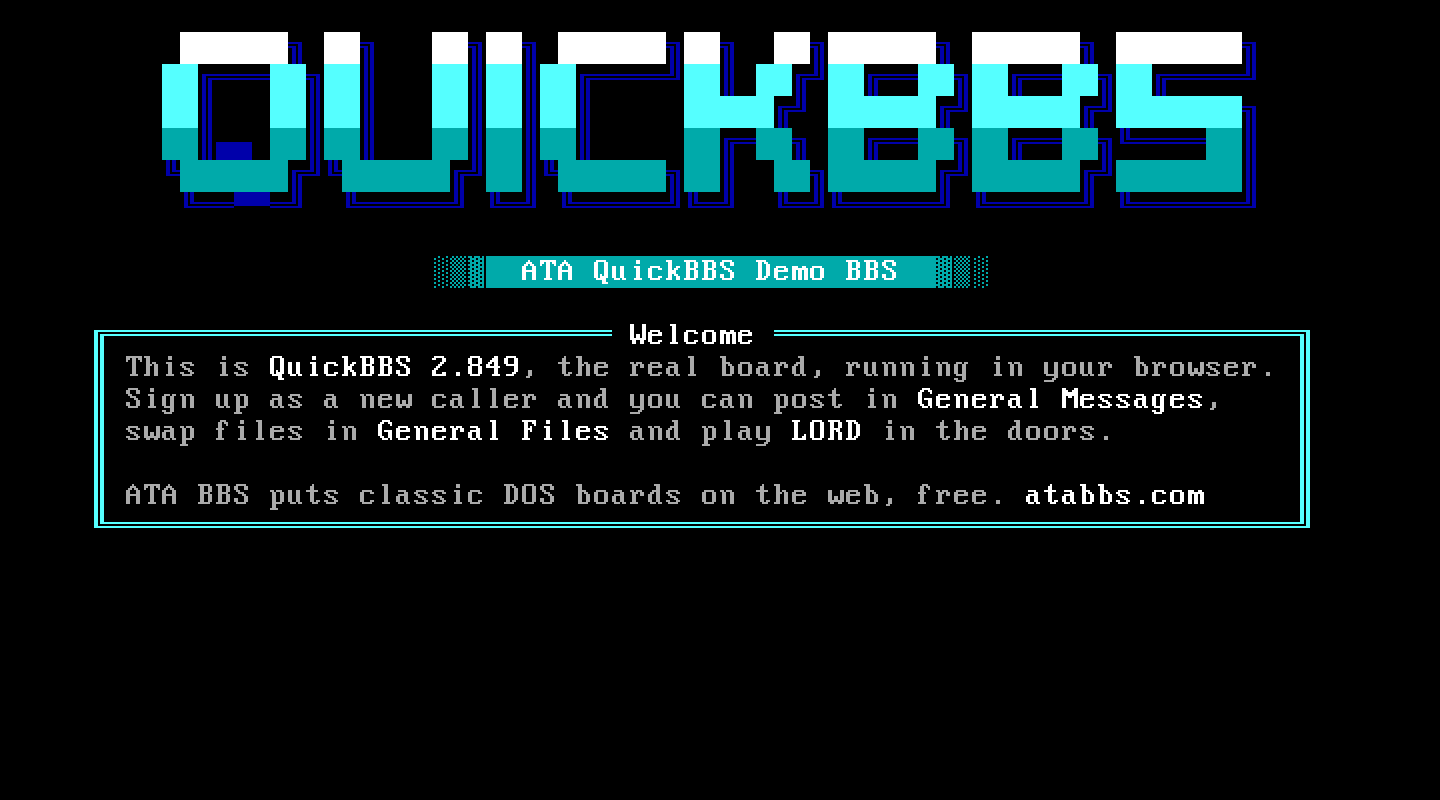
At a glance
- Package
- QuickBBS 2.849 Classic, the Fido-era classic (Pegasus Software's line, its last release by Matrix Technologies)
- Lines
- Six on a fresh install, up to 99 (its per-node file names hold two digits; nothing to set up per line). Proven: six. The evaluation key's own node limit cannot be read, so a line past six may be refused by QuickBBS itself.
- Starting account
- System Operator
- Callers page you with
- The Page Sysop command on the main menu
- Console keys
- Answer: C. Break in: Alt and C. Leave: Esc.
The board
What ATA set up. The 2.76 turnkey board brought up to 2.849 the way its upgrade notes say; every C: path turned to D:; the configuration QCONFIG writes on its first start; the phrase file complete (with its yes/no defaults, without which every question wanted only Enter); new users allowed (QCONFIG's default level 0 means "no new users"); and uploads accepted in area 1, the turnkey's own "Uploads" area, gated so only the operator downloads from it.
The DOS page. "Local logon" goes straight into a session as the SysOp. "Start the board" is the call-waiting screen, for your own use. "QCONFIG" is the board's configuration; "NODECFG" this node's port, modem, paths and new-user defaults; "USEREDIT" the users; "MENUEDIT" the menus.
Making it your own. QCONFIG edits QUICKCFG.DAT; NODECFG edits NODECFG.DAT. The caller-facing screens are the .ASC and .ANS files in TXTFILES. The prompts live in ENGLISH.LNG, edited under QCONFIG's General, Languages, F1. Flags gate many of the turnkey's menu items; grant them in USEREDIT.
Callers. The two phone numbers and the birth date are masked fields that complete themselves on the last digit; a caller should not press Enter after them. "How many lines per screen page?" is prefilled; Enter takes it. The flag screen ("Proud to be an American!") waits for any key. Q, Quick Logoff, leaves at once. New members get the level NODECFG's new-user defaults give.
Things to know. QuickBBS shows years past 1999 as two digits (2026 reads "26"); that is the package. This board runs its machine without the emulator's fast compiler (a plain interpreter), so it is a little slower than most.
Legend of the Red Dragon on QuickBBS 2.849
The steps every board shares (getting LORD, LORDCFG, the wrapper batch) are in the door guide. This is what is particular to this board.
Drop file: DORINFO1.DEF, in D:\QUICKBBS, under that one name on every line (each caller's own copy). LORDCFG: (1) QBBS, path d:\quickbbs\, and say yes when LORDCFG offers to read DORINFO1.DEF for all nodes (ALLNODES).
Batch: D:\QUICKBBS\DOORS\LORD.BAT:
@ECHO OFF
D:
CD \DOORS\LORD
CALL START.BAT %NODE%
CD \QUICKBBS
The menu entry: a Type 15, not a Type 7. QuickBBS can run a program in a shell (Type 7) or exit to its batch file with an errorlevel and come back (Type 15). On ATA's machine QuickBBS drops the line the moment it starts a Type 7 shell, so use Type 15, the manual's "Exit to DOS and Run Program". On the DOS page, open MENUEDIT, edit the DOORS menu (the main menu's (D)oors already goes there), and add an item:
- Type:
15(Exit to DOS and Run Program) - Security:
5(or whatever your members have) - Display text:
(L) Legend of the Red Dragon - Key:
L - Data:
9(the errorlevel; 0 to 5 are QuickBBS's own)
The batch QuickBBS exits to. Each line starts QuickBBS through D:\QUICKBBS\QBCALL.BAT. As installed it is two lines; replace it with the manual's own errorlevel loop, which runs LORD on errorlevel 9 and puts the caller back with -R:
@ECHO OFF
QUICKBBS.EXE -B%1 -E0 -N%2
:BACK
IF ERRORLEVEL 10 GOTO END
IF ERRORLEVEL 9 GOTO DOOR
GOTO END
:DOOR
CALL D:\QUICKBBS\DOORS\LORD.BAT
D:
CD \QUICKBBS
QUICKBBS.EXE -R -E0 -N%2
GOTO BACK
:END
How callers get there. D at the main menu for the Doors menu, then L.