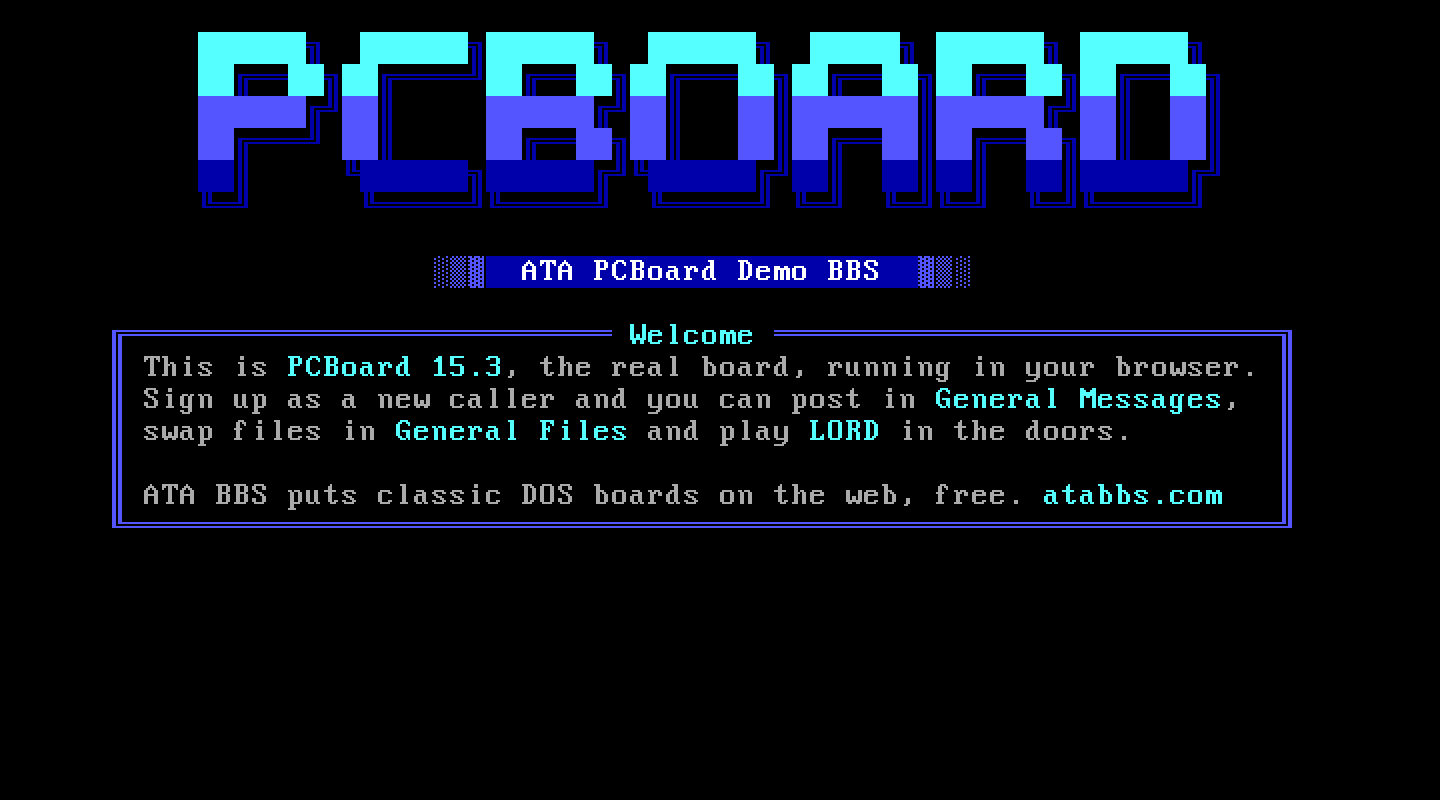
At a glance
- Package
- PCBoard 15.3, Clark Development Company, its last DOS release (the 100 node version)
- Lines
- Six on a fresh install, up to 100. Each line runs from its own node directory,
PCB\NODE<n>, with PCBoard's network switch on. Proven: six. - Starting account
- System Operator (remote); SYSOP is the local record
- Callers page you with
- O at the main menu
- Console keys
- Answer: space. Break in: F10. Leave: Esc.
The board
What ATA set up. The package's own installation, made under DOS and harvested; every ..\ path in the conference and list files rewritten to D:\PCB\ (PCBoard's lists name their files relative to a node directory, so a menu command could read its list and find nothing behind it); the files PCBoard's network mode needs at start; the conference's download paths; Zmodem's batch files on the PATH; paging hours opened (they shipped as a zero-width window); and upload verification turned off (the shipped check could not run here and failed every archive).
There are two operator records because PCBoard refuses the sysop's own name from a remote caller: SYSOP for local logons, System Operator for logging on over the line.
The DOS page. "Start the board" is PCBoard's call-waiting screen (for your own use; callers do not ride it). "Local logon" logs you straight on as SYSOP. "PCBSetup" is the board's own configuration. "System Manager" (PCBSM) edits users and conferences.
Making it your own. PCBSetup edits PCBOARD.DAT and the list files; its save prompt wants Y then Enter. PCBSM edits users (Alt and A adds one). The caller-facing screens are in GEN and the help screens in HELP, plain text. GEN\PCBTEXT holds every prompt.
Callers. First and last name. A new caller types the name they want and answers C at "(R) to re-enter your name or (C) to continue logon as a new user". Every short prompt shows its default inside its own field; Enter takes it. PCBoard throws away type-ahead a moment after it prints a prompt, so a caller who types very fast may have to repeat a key.
Files. Uploads land in PRIVUPLD (the sample conference is set for private uploads), waiting for you. Downloads work with PCBoard's internal protocols and its Zmodem.
Paging. PCBoard's page bell is a runtime toggle (F4) that starts off in every run of the program; ATA presses it once a call, after the caller has logged on.
Things to know. PCBoard must keep its user information records at 43 bytes ("Supported Allocations" in PCBSM): a setup that stores more puts members' private fields where every caller's machine can read them, and ATA refuses callers until it is put back (the AA lamp goes red). A caller who drops carrier in PCBoard can never hand the next caller their session: PCBoard's current-caller record lives in each caller's own tab.
Legend of the Red Dragon on PCBoard 15.3
The steps every board shares (getting LORD, LORDCFG, the wrapper batch) are in the door guide. This is what is particular to this board.
Drop file: PCBOARD.SYS, PCBoard's own, in each line's node folder, D:\PCB\NODE1 to D:\PCB\NODE6. LORDCFG: (4) PCBoard15, path d:\pcb\node1\ for node 1, d:\pcb\node2\ for node 2, and so on.
The door file. PCBoard copies a door's file to DOOR.BAT in the node folder and runs it, and its own help is firm: no .BAT extension on the door file, and no .BAT file of that name on disk. Create D:\PCB\DOORS\LORD (no extension):
@ECHO OFF
D:
CD \DOORS\LORD
CALL START.BAT %NODE%
CD \PCB\NODE%NODE%
The door list. D:\PCB\GEN\DOORS.LST, one door a line. PCBSetup edits it (it is one of the configuration files PCBSetup lists), or edit it as a text file through your host's file manager. Add LORD with: Filename LORD; Password blank; Security 10; Login N; USERS.SYS N; Path D:\PCB\DOORS\; DOOR.SYS Y; Shell S (swap PCBoard out during the shell). As a line of the file it reads:
LORD,,10,0,0,D:\PCB\DOORS\,1,S,0.0000,0.0000You may also add LORD to the door list screen callers read, D:\PCB\GEN\DOORS.
How callers get there. OPEN LORD at the main prompt (or OPEN, then pick it).