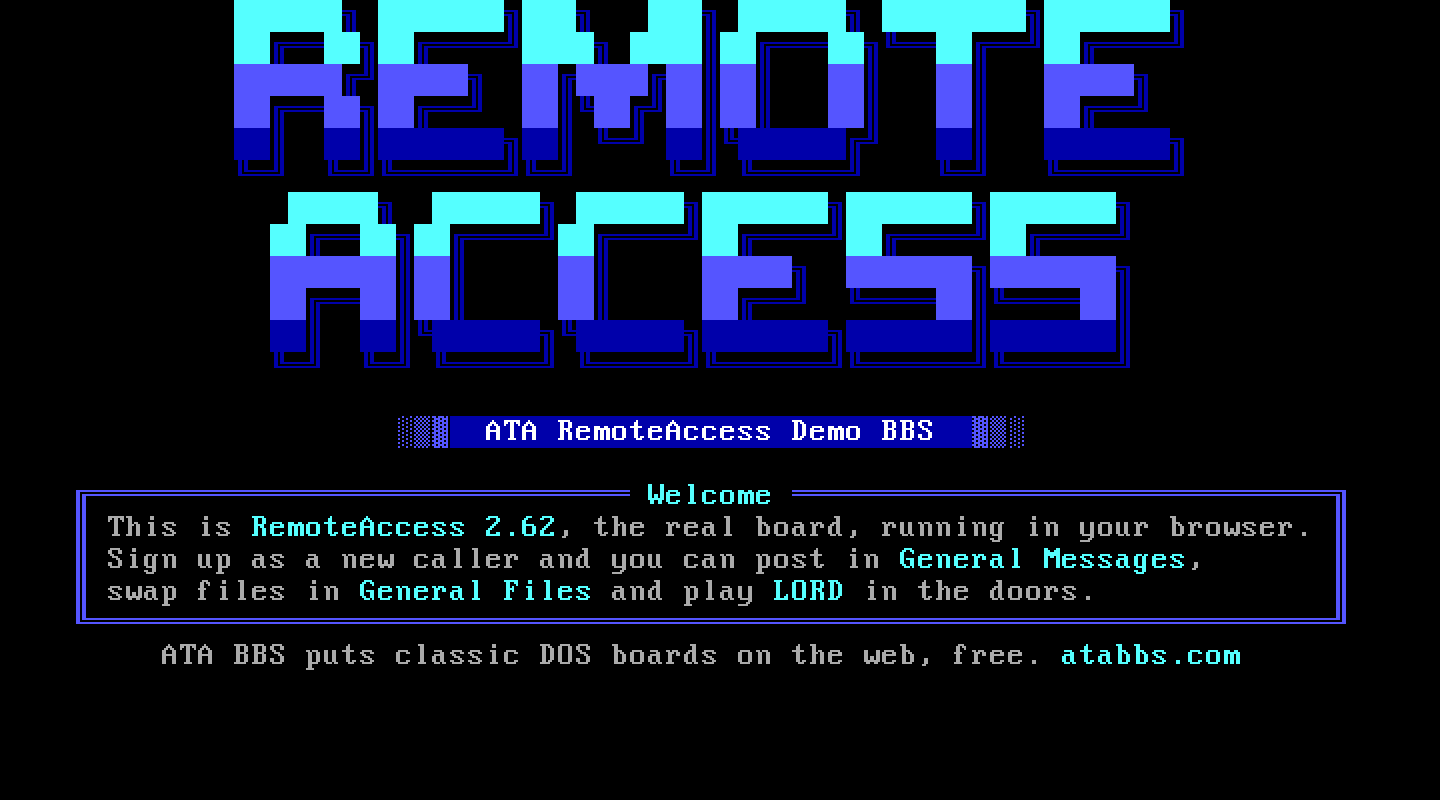
At a glance
- Package
- RemoteAccess 2.62.1, Bruce F. Morse (RemoteAccess Central), the final DOS release of the board Andrew Milner began in 1989; shareware
- Lines
- Two: the bundled shareware build is a "2 node version". Proven: two.
- Starting account
- System Operator
- Callers page you with
- P at the main menu
- Console keys
- Answer: C. Break in: Alt and C. Leave: Esc.
The board
What ATA set up. RemoteAccess has no installer in the shareware archive, so ATA did the manual's steps: the system directory RACONFIG builds, the paths and the sysop name, saved passwords off (ATA checks them on the host), EMSI off, a language record (RemoteAccess will not start without one), time limits for the new-user and sysop levels (RACONFIG's defaults define none, which gives a new member zero minutes), one file area (General Files at D:\RA\FILES, RemoteAccess ships none), and the weekly paging schedule opened (it shipped closed for every day).
The DOS page. "RACONFIG" is the configuration program. "RemoteAccess local logon" logs you on at the board. "RAMGR" edits users and file areas. "RACONFIG -M" opens the menu editor directly.
Making it your own. RACONFIG edits the whole configuration: System (paths and site info), Options (new users and the system), Manager (message and file areas), protocols, languages, menus and the time limits per security level. The caller-facing screens are RA\TXTFILES\*.ASC (LOGO before the name prompt, NEWUSER1 and NEWUSER2 around the application, WELCOME and NEWS after logon, GOODBYE at logoff; an .ANS beside an .ASC goes to ANSI callers). The manual, RA_DOC.252, is in the RA folder.
Callers. Name, then "Did you enter your name correctly (Y/n)?" for a new name, then the questions: ANSI, AVATAR, the full-screen viewer, screen lines, where they call from, phone numbers (each confirmed), a password twice. Every yes/no is a hotkey. New members start at security level 10. Logoff is ! at the main menu and ! again at the logoff menu. RemoteAccess's menus are hotkey menus: an Enter after a letter lands in whatever the letter opened.
Paging. RemoteAccess plays its tune for ten seconds while a box on the board's own screen offers C to chat. It says nothing to the caller while it rings unless you give the menu entry its own paging line in RACONFIG, so the caller sees a silent pause. The Alt and O paging override at the console, if you change it, is remembered in RemoteAccess's own page state file.
Files. Downloads are tagged by name ("File:") and confirmed ("Add to tag list?"); uploads land in the file area. Both are proven byte for byte with the package's own protocols.
Legend of the Red Dragon on RemoteAccess 2.62
The steps every board shares (getting LORD, LORDCFG, the wrapper batch) are in the door guide. This is what is particular to this board.
Drop file: DOOR.SYS, in D:\RA, each caller's own. LORDCFG: (9) DOORSYS, path d:\ra\ on both lines.
Batch: D:\RA\DOORS\LORD.BAT:
@ECHO OFF
D:
CD \DOORS\LORD
CALL START.BAT %NODE%
CD \RA
The menu entry. RemoteAccess's manual spells out a door's entry exactly: menu type 7, "Run an external program in a shell", running the command processor with the batch, the node number and the memory swap. On the DOS page press RACONFIG -M (the menu editor), open MAINMENU, and add an item:
- Type:
7(Run an external program in a shell) - Display:
(L) Legend of the Red Dragon - Key:
L - Optional data:
*C /C D:\RA\DOORS\LORD.BAT *N *M - Security and flags: the same as the menu's ordinary items
*C is the command processor, *N the node number and *M swaps RemoteAccess out of memory (LORD needs the room). Leave the editor with Esc and save.
How callers get there. L at the main menu.