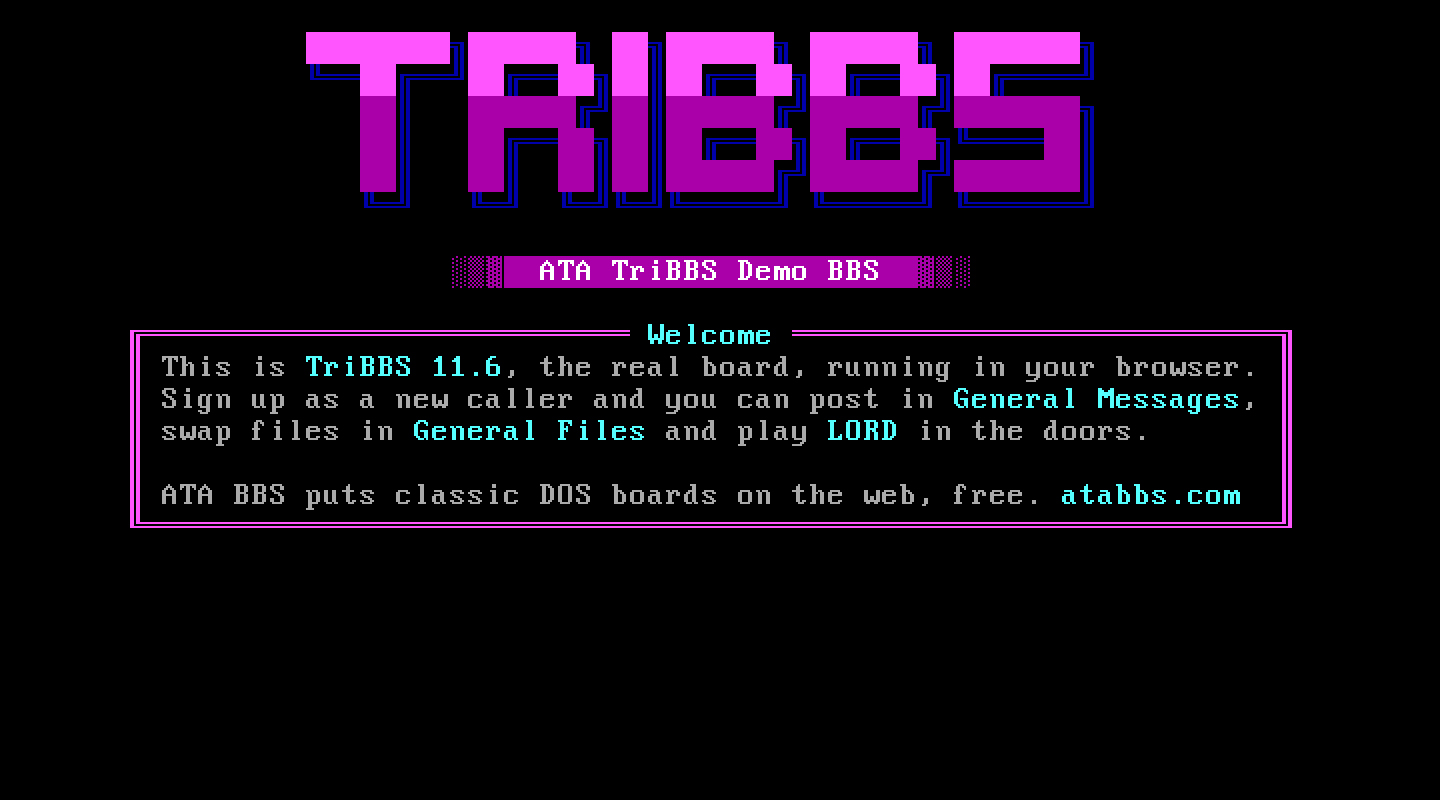
At a glance
- Package
- TriBBS 11.6, PTC Software, the Y2K-ready release of March 2002; shareware ("Test Drive")
- Lines
- Six on a fresh install, up to 100. Line 1 runs from
TRIBBSand each other line from its ownTRIBBS\NODE<n>; ATA sets a new line up at its first call. Proven: six, and lines 7 and 8 at their first call. - Starting account
- System Operator
- Callers page you with
- P at the main menu
- Console keys
- Answer and Break in: F4 (TriBBS's one chat key). Leave: Esc.
The board
What ATA set up. The manual's own installation done directly (TriBBS's first run builds two 4 MB index files, about six minutes over the wire, so the built world ships instead); the batch files its manual asks a front end for; the seed operator raised to level 100 (the shipped menus gate the Sysop Menu there); one file area at D:\TRIBBS\FILES with its file list; a per-user private-area file the package shipped empty (an empty one made the board spin forever); and the node's serial port set to COM1 (TriBBS builds its transfer driver's command line from it).
TriBBS ships with no message conference. Make one in TriMan before you open the board.
The DOS page. "TriBBS waiting screen" (a local-only node): twelve push buttons; Down and Enter is Local Logon; Exit TriBBS closes it. "TriMan" is the manager: users, conferences, file areas, events.
Making it your own. TriMan edits the system configuration, the node, users, message conferences, file areas and events. Its menu bar answers Alt and the first letter, an item answers its own letter, F2 adds, Tab walks the form, F10 leaves the editor, and the menu bar's Exit is what writes the file: leave that way. Path fields want an existing directory with a drive letter. The caller-facing screens are TRIBBS\DISPLAY\*.ANS and *.BBS; the menus are text files in TRIBBS\NWORK.
Callers. ANSI first, then "Enter your FIRST and LAST name:" (one-word names are refused), then the password. The questionnaire confirms each answer with "(Y,n)". TriBBS throws away type-ahead when a field opens, so a caller should wait a moment before typing an answer. New members start at level 10.
Files. TriBBS's own Zmodem driver (TTPROT) moves the files. A file must be in the file list to be listed; uploads are added to it.
Paging. TriBBS's page bell is a toggle (F3) that starts off in every run of the program; ATA presses it once a call. A waiting page shows as a blinking star in the corner of TriBBS's own status window.
Things to know. The shareware build limits the board to 5 conferences, 5 file areas and 5 doors, and its manual carries a 30-day evaluation clause.
Legend of the Red Dragon on TriBBS 11.6
The steps every board shares (getting LORD, LORDCFG, the wrapper batch) are in the door guide. This is what is particular to this board.
Drop file: DOOR.SYS, in each line's main folder: D:\TRIBBS\ for line 1, D:\TRIBBS\NODE2\ for line 2, and so on. LORDCFG: (9) DOORSYS, path d:\tribbs\ for node 1, d:\tribbs\node2\ for node 2, and so on.
Batch: TriBBS runs a door by writing DOOR.BAT and exiting; its BOARD.BAT runs DOOR.BAT, and the door batch must end by starting the board again (board), which comes back with the caller. Each line has its own BOARD.BAT in its own folder. D:\TRIBBS\BATCH\LORD.BAT:
@ECHO OFF
D:
CD \DOORS\LORD
CALL START.BAT %NODE%
if "%NODE%"=="1" cd \tribbs
if not "%NODE%"=="1" cd \tribbs\node%NODE%
board
The door list and the Door Menu.
The door list is
NWORK\DOORS.MNU, which TriMan's door editor writes: a header line7,0,6,15, then one line per door: type (D for DOOR.SYS), description, batch name, security. For LORD:7,0,6,15 D,Legend of the Red Dragon,LORD,10As shipped, the main menu's Door Menu is set to security 999, which "effectively disables the door menu" in TriBBS's own words. In
NWORK\MAIN.MNU, change the lineD,D,Door Menu,999toD,D,Door Menu,10.
More than one line. Each line past the first has its own NWORK menus and its own BATCH folder in D:\TRIBBS\NODE<n>. Copy DOORS.MNU, the changed MAIN.MNU and BATCH\LORD.BAT into each NODE<n> folder (a door batch only in line 1's BATCH folder makes another line's door menu just redraw itself). A line ATA sets up later, at its first call, copies line 1's.
How callers get there. D at the main menu for the Door Menu, then the door's number from the list.